Handling data in 2026 is tough, to say the least. It’s become normal for companies to collect huge volumes of data from dozens of sources, which means orchestrating these workflows was never more important (and complex) than today. After all, it’s what will allow you to make smart, data-driven decisions.
The goal of this article is to make you feel less overwhelmed. There are many, many orchestration tools available, from free to paid, from self-hosted to cloud-based, and from no-code to heavy on code. After reading, you’ll have a clear grasp of which orchestration tool is best suited for your organization. You’ll know all the facts, and won’t be left thinking if you’ve made the right choice.
We’ll take a high-level look at five of the best orchestration tools: Airflow, Kestra, Azure Data Factory, Prefect, and AWS Step Functions. We’ll discuss what makes each tool unique, who it’s best suited for, pros, cons, and pricing.
But before diving into the tools, let’s discuss briefly what orchestration tools are and why you need them. For the category definition, see what is data orchestration.
Data-centric companies need orchestration tools daily and rely on them heavily when making data-driven business decisions. For a newcomer, seeing value in such a tool might be a bit more challenging, so let’s go over some main benefits.
Put simply, the role of an orchestration tool is to coordinate and harmonize the flow of data in an organization, making sure it’s moving smoothly and error-free from one place to another.
Orchestration tools are used to streamline many data-related processes, from data collection, transformation, storage, delivery, and so on. The end goal? Making it easier for you to make informed business decisions and extract valuable insights from data.
When it comes to the features, pretty much all orchestration tools offer the following:
- Workflow automation - You can design a workflow either through a graphical user interface or code, and you’ll end up with a specific sequence of tasks and their dependencies that make sure the data is processed in the right order.
- Connectivity - These tools offer integration with dozens or even hundreds of data sources and systems, allowing you to collect data from different locations, such as APIs, databases, cloud services, and so on.
- Data transformations - Orchestration tools pack a wide array of tools for cleaning, formatting, and transforming data before it’s moved to the target destination. You’ll find this feature incredibly valuable if you’re collecting data from different sources in different formats.
- Monitoring and management - You can monitor workflow execution and many other things through a graphical user interface, set alerts if errors occur, and overall keep an eye on the performance of your data pipelines.
- Scalability - Orchestration tools allow you to scale your data-related operations through parallel processing and reusable pipelines, ensuring they stay robust as the volume of data grows.
Features listed in the previous section give you a good idea of why you need an orchestration tool. Still, there are several other reasons why your organization should consider adopting one:
- Data complexity - Gone are the days when all data was stored in structured databases. You now have data coming from cloud services, IoT devices, social media, and so on. Orchestration tools are here to handle the sheer complexity companies are dealing with.
- Increased efficiency - Orchestration tools automate repetitive tasks and speed up data processing. As a result, your company can focus on more important tasks, and leave repetitive work to tools.
- Competitive advantage - Streamlining data processes will ensure timely access to information, which in turn allows you to make data-driven decisions faster than your competitors.
To summarize, orchestration tools allow you to automate (or semi-automate) complex processes of extracting data from multiple sources, transforming it, and storing everything in one central place so business users can make informed decisions. The amount of data processed will only grow in the upcoming years, so adding an orchestration tool to your data management toolkit is no longer a “nice to have”, it’s a requirement.
But which orchestration tool is right for you? Let’s explore a couple of options next.
This section walks you through five widely adopted orchestration platforms and discusses their pros and cons with a business user in mind.
1. Apache Airflow
Airflow is a Python-based open-source orchestration tool adopted by many in the industry. It allows you to create DAGs (Directed Acyclic Graphs) that are responsible for implementing data pipelines. Airflow is primarily intended for scheduling batch ETL pipelines for data lake and data warehousing use cases.
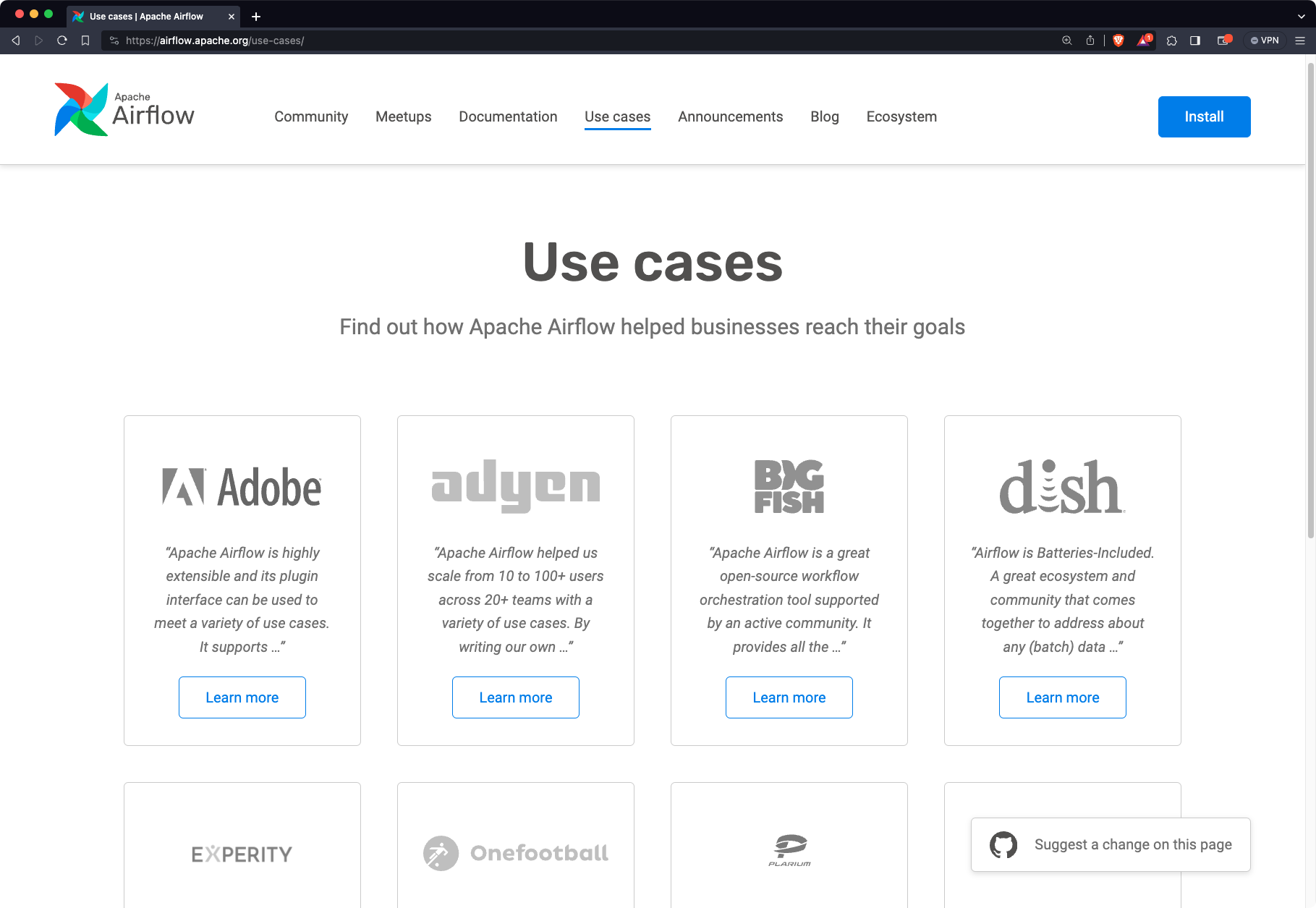
Airflow belongs to the FOSS category (free and open-source software). Of course, you’ll need to manage the expense of running Airflow with its compute environment, and you’ll need someone to set it up and manage it for you. The other option is to use a pay-as-you-go cloud-managed Airflow instance. You can find it on all major cloud providers (AWS, Azure, GCP), but the price will depend on so many factors, as it typically does with cloud environments.
It’s also worth mentioning that there are ways to run Airflow with less or no overhead. For example, Astronomer is a managed Airflow service that allows you to orchestrate workflows in a cloud environment. There’s a similar option called Cloud Composer which is worth checking out if you’re using Google Cloud. It is basically another way to have a fully managed Airflow environment. Both are great, but the latter makes more sense if your company already uses GCP.
Here’s a couple of reasons people adopt Airflow:
- It’s the most widely adopted - Airflow is the oldest and most widely known orchestration tool in this category, with the largest community and ecosystem.
- Old-school, yet fairly capable user interface - Airflow is capable of doing much without making the UI look crowded. Its web UI is intuitive, allows you to monitor scheduled DAGs, and gives you the option to store variables and credentials, which means you won’t need to hardcode them.
- Rich ecosystem - This tool has a wide array of pre-built connectors and plugins that simplify integration with almost any data source you can imagine. You can easily communicate with REST APIs, databases, cloud platforms, messaging systems, and much more.
- Flexibility - You can use Airflow to handle everything from simple bash jobs to repetitive tasks, ETL pipelines, and even some machine learning workflows.
- Scalability - Horizontal scaling since Airflow supports multi-node orchestrations through the Kubernetes or Celery executor. These allow you to run your data orchestration processes in parallel.
- Community support - Airflow is open-source and has a massive and active community. This means you’ll be able to find documentation, articles, videos, and even full-fledged courses to get you up and running in no time.
That being said, Airflow isn’t without its flaws. Here are some you might find annoying:
- Limited to Python - Writing workflows depends entirely on Python. Sure, this means you can use all data science libraries Python has to offer, but many companies don’t want to be locked into a single programming language. This will pose a big problem if you need a more scalable language, or have a team of engineers that prefer a different technology.
- Deployment could be easier - You’ll need substantial DevOps skills to ensure Airflow is running smoothly. Further, Airflow doesn’t work in a Windows environment, which might be an issue for you if you’re testing it locally. Docker image is a way to go here. But, you can go with the managed route with Astronomer or Cloud Composer if you don’t have a DevOps specialist.
- Scheduling isn’t the best - You can only use data schedulers and manual triggers for starting an Airflow task, which means you won’t be able to trigger the same task twice if you don’t double the tasks.
- Resource requirements - Airflow can be resource-intensive in terms of memory and CPU usage. This might be a concern for you if you have limited computing resources and expect workflow complexity to grow in the future.
2. Kestra
Kestra is an open-source universal orchestration platform with a declarative YAML interface for workflow definition. It’s primarily built for software engineers but simple enough to be used by anyone in your organization. For more information, check the documentation or browse blueprints to see real workflow examples.
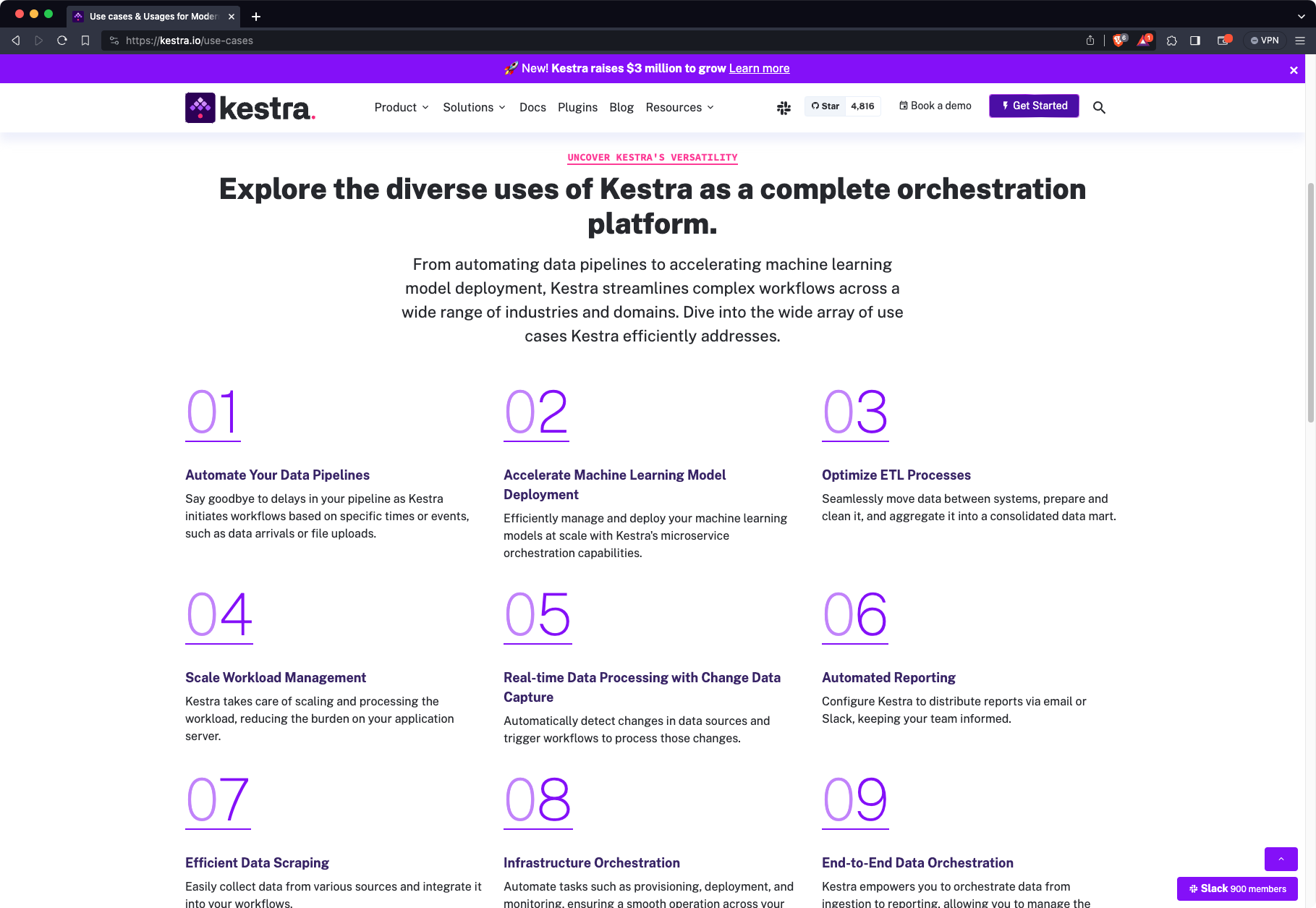
The open-source version of Kestra is completely free and recommended for a single-player experience. If you want to adopt Kestra in your team, we recommend the Enterprise edition, which offers Enterprise-grade features such as SSO, RBAC, namespace level secrets and variable management, plugin defaults, worker groups, custom blueprints, high availability with no single point of failure architecture, and so much more.
This is the list of areas in which Kestra easily beats the competition:
- Language-agnostic orchestration tool - Kestra uses YAML for data flow design, which isn’t a programming language. This data serialization language is easy to pick up and is much easier to understand for users with no technical background. As an end result, employees from all parts of the organization can take part in the data flow creation process.
- API-first approach - You can use Kestra UI to design and monitor workflows, but you can achieve the same by only using the Kestra API. This also means you can integrate Kestra functionalities into your existing systems, and make the orchestration platform easier to use within your organization.
- 1,200+ plugins available - Connect to virtually any data source, from databases, APIs, Git, cloud providers, OpenAI, Anthropic, and much more. Check the full plugin library for details.
- Separation of programming logic from the flow code - Since data flows are written in YAML, it can be challenging to work with complex and long scripts from different programming languages. The good news is that you can host them on GitHub, and only point to them in your Kestra flows. By doing this, you’re keeping the flow code short and tidy, but you also have the ability to change the programming logic at any time, without the need to revisit the workflow YAML code.
- Scalable architecture - The architecture is built on top of time-tested technologies such as Postgres, Kafka, and Elasticsearch, so you can rest assured scalability won’t be an issue.
- Live documentation - As soon as you define a plugin type when designing a data flow, you’ll be able to split the editor screen so the corresponding documentation and examples are shown on the right side.
- Excellent documentation and blueprints - Not only does Kestra offer extensive documentation, but there are also more than 200+ blueprints showing you exactly how to design your data flows to achieve a certain task.
3. Azure Data Factory
Azure Data Factory is a cloud-based ETL tool owned by Microsoft Azure. Unlike the two orchestration tools listed earlier, this one works only in the cloud and is a good option to consider if your organization already uses a lot of Azure services. ADF offers around 90 connectors for building data pipelines which sounds like a lot, but is on the low side when compared with other tools on this list.
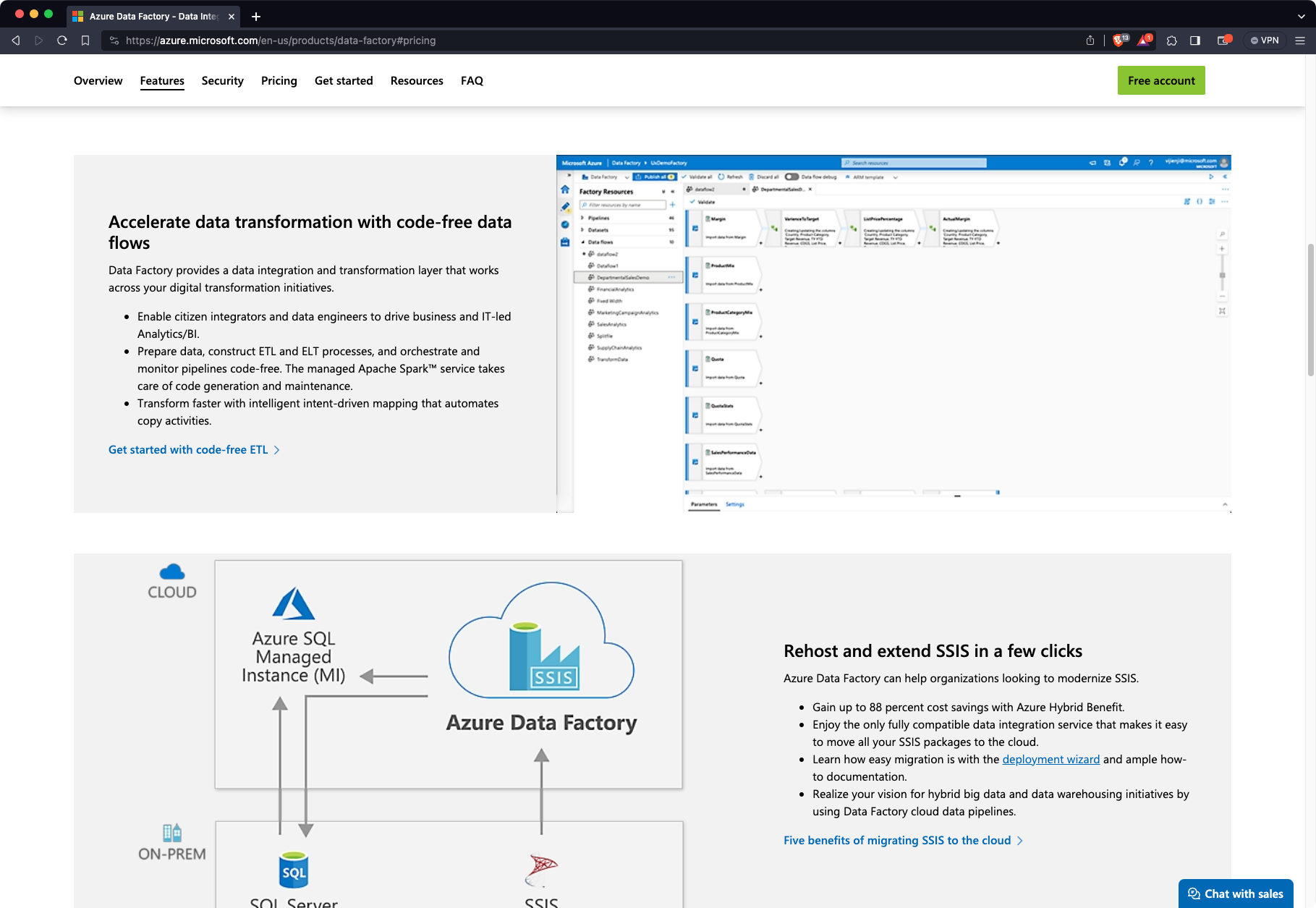
It’s often difficult to figure out how much a cloud tool will cost you on a monthly basis, and Azure Data Factory is no exception. ADF pricing depends on the integration server at runtime and specific operations performed. You’re charged separately for organization, data movement, pipeline activities, and multiple other actions. Price can vary so much between users, so we won’t even try to estimate it. You can take a look at their pricing options and potentially come up with an estimated monthly figure.
That being said, Azure Data Factory does offer some unique benefits:
- No-code platform - ADF offers an intuitive drag-and-drop UI which makes it easy for domain experts to build their own data flows - no programming knowledge required.
- Scalability - This orchestration tool lives in the cloud, and can leverage all cloud technologies you can think of to scale seamlessly and limitelessly.
- Security and Compliance - ADF is built with strong security and compliance measures in mind and adheres to Azure’s security standards and regulations. It will be a perfectly suitable solution for organizations with strict data security requirements.
- Great Azure ecosystem integration - If your organization relies heavily on Azure services, ADF will work and integrate with these like a charm. You have seamless integration with Azure data sources, which reduces data movement complexities.
However, there are more than a few cons you need to be aware of:
- Not great if you’re not using Azure - This orchestration tool works great if you’re using Azure, but this might also be a limitation if you’re using AWS or GCP. Consider AWS Step Functions or Google Cloud Functions if that’s the case.
- Costs - Running anything on a large scale in the cloud can result in a lot of costs really fast. This is especially true for ADF, as it relies on other Azure services, and charges separately for different types of activities.
- Limited data integrations - We find ADF integrations and plugins a bit limited and biased towards Microsoft technologies. This isn’t an issue if you’re already working within the Azure ecosystem, but limits your flexibility in multi-cloud environments.
4. Prefect
Prefect is another Python-centric open-source orchestration tool. It’s known for its flexibility and adaptability. Sure, it’s not widely recognized or used as Airflow, but it has gained traction in the last couple of years. In addition to what’s already obvious, Prefect makes it easy to add logging, retries, dynamic mapping, caching, and failure notifications to Python-based workflows.
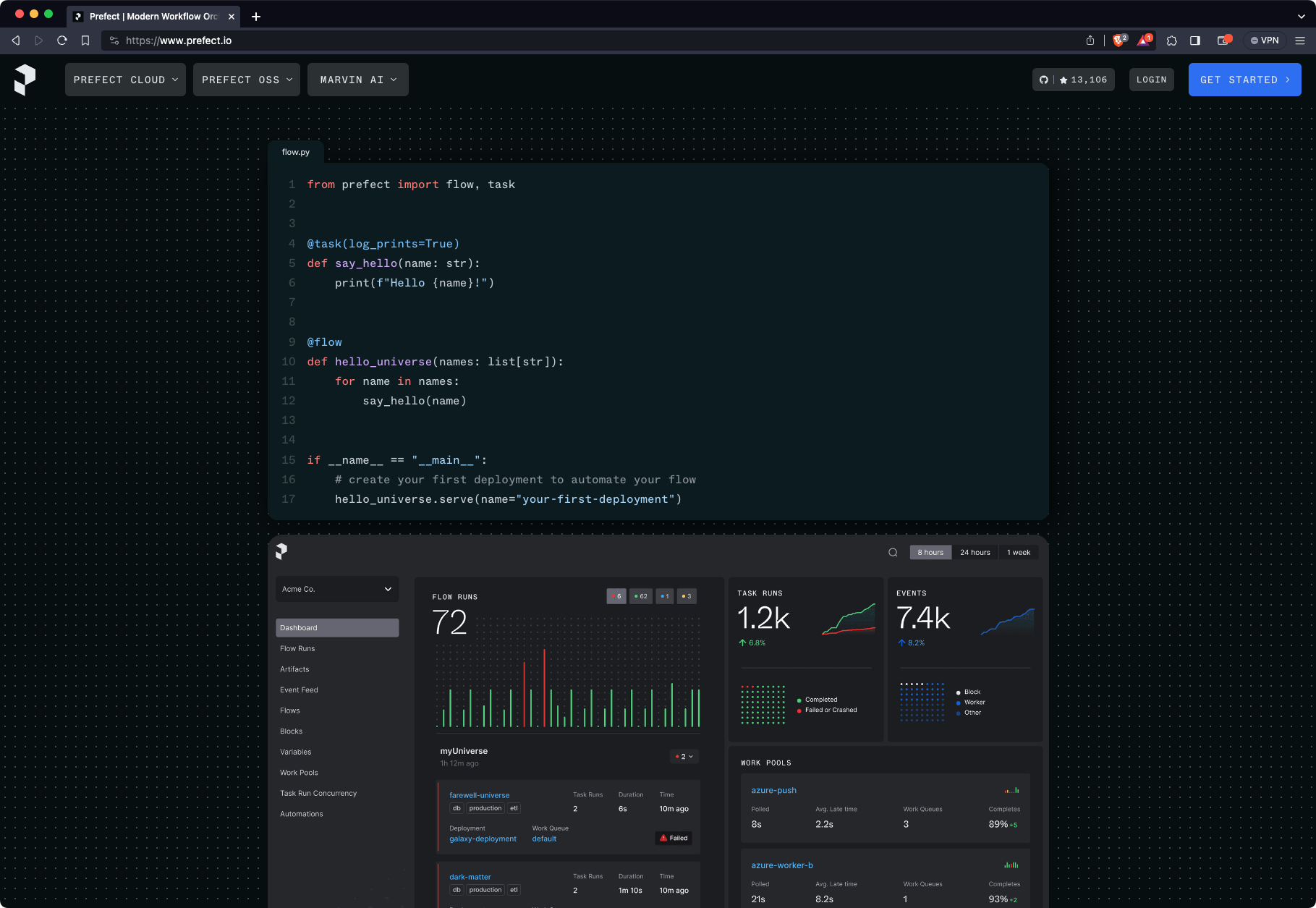
Prefect is open-source, but offers paid cloud tiers for teams that need enterprise features like SSO, RBAC, and extended retention. Check their pricing page for current figures, as plans have evolved.
Prefect has a lot of things going for it, including:
- Dynamic workflows - Parametrization in Prefect allows you to implement dynamic workflows, or workflows that adapt to changing conditions or data. This allows Prefect to be among the most flexible orchestration tools available.
- Scalability - You can easily parallelize flow executions with Kubernetes, which makes Prefect easy to scale with an increased number of data flows or larger volumes of data.
- Prefect API - You can orchestrate data workflows through the API, which makes custom integrations feasible. It’s not on the same level as other orchestration tools such as Kestra, but it’s on the right track.
- Tasks as functions - If you have experience with Python, you can decorate your Python functions to turn them into a task.
Of course, there are some disadvantages of using Prefect you need to know about:
- Limited to Python - All tasks and data flows are written in Python, similar to Airflow. Python isn’t the fastest programming language out there, so performance issues might be a deal breaker for heavy users.
- Somewhat of a steep learning curve - The feature of dynamic DAGs is excellent and unique to Prefect, but users not familiar with this approach will require some time to feel comfortable using Prefect. It’s an extra step of complexity you’ll need to worry about, and you’ll need a deeper understanding of how Prefect works.
- Documentation could be better - Unlike Airflow, Prefect has a smaller community, meaning there’s less documentation, tutorials, blog posts, and video materials allowing you to really learn the tool. You can learn the basics from the official resources, but the rest is up to you and how much time you have for experimentation.
- Commerical cost - Large teams will need deep pockets to use Prefect, especially if you have specific security requirements and need long data retentions.
5. AWS Step Functions
Similar to Azure Data Factory, AWS Step Functions provide a visual orchestration tool that allows you to orchestrate services within the AWS cloud ecosystem. It’s a serverless offering that is scalable in nature and makes a lot of sense for companies that are already invested in the AWS ecosystem since it has direct integration with over 220 AWS services.
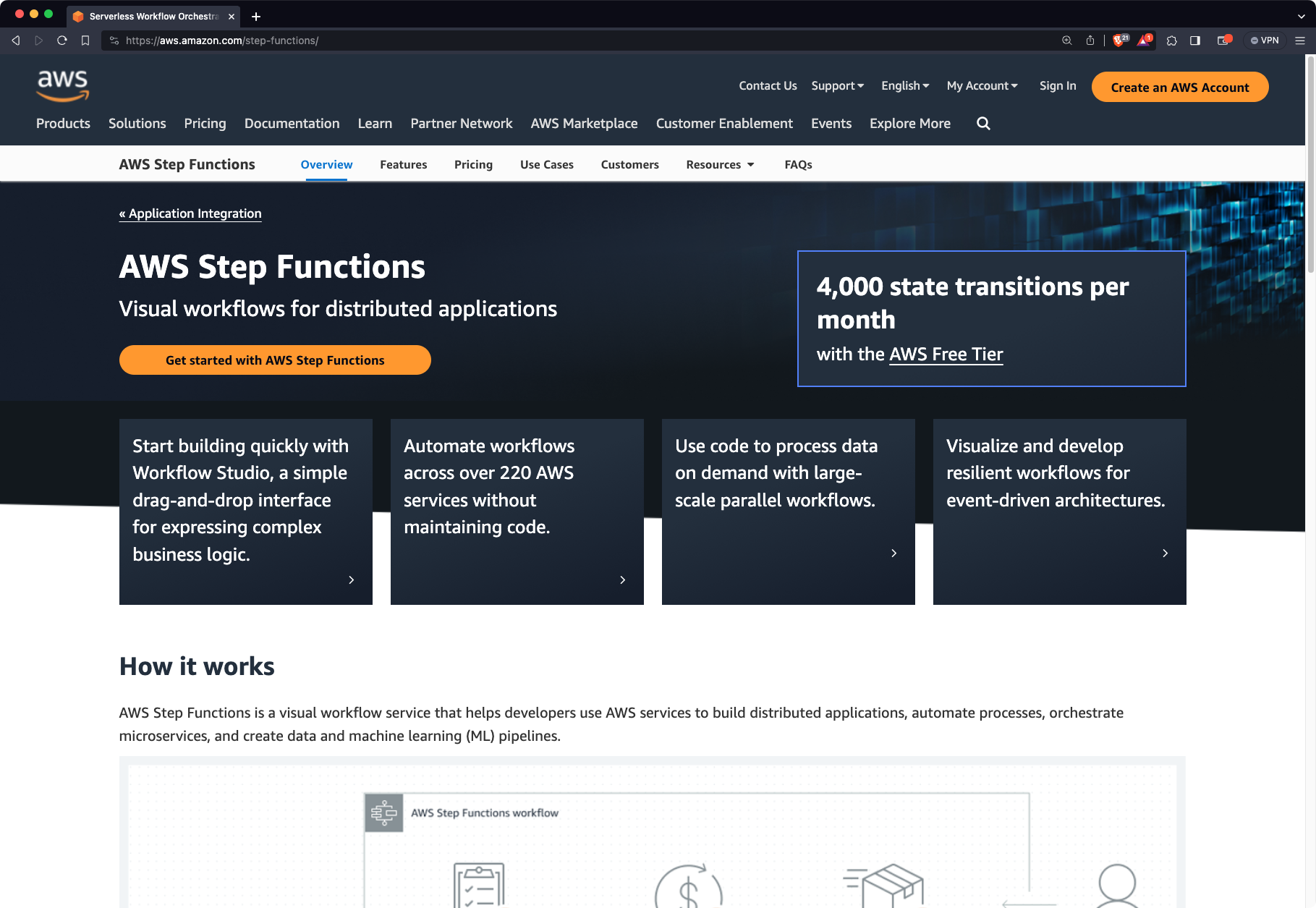
Just like with Azure Data Factory, pricing is almost impossible to ballpark. It’s a cloud environment after all, so the estimated monthly cost depends on various factors, such as the compute region, workflow type, number of workflow requests, number of transitions per workflow, and so on. You get the point - there’s a lot of moving parts. The good news is that AWS provides a cost calculator you can use to estimate your monthly costs. The bad news is that you need to somehow estimate your requirements before ever using a tool, which is easier said than done.
Here’s a list of things that make AWS Step Functions a good tool for orchestration:
- Serverless and scalability - This is a serverless service, which means you don’t have to worry about provisioning or managing any infrastructure, which in turn simplifies the process of orchestrating data workflows and reduces operational overhead. In addition, AWS step functions are designed to be easily parallelizable, allowing you to process huge datasets with no impact on performance.
- Data streaming in real-time - You can declare and run resilient workflows that can stream data in real-time.
- No-code platform - As with Azure Data Factory, you only get a simple drag-and-drop visual builder - no programming knowledge is necessary. This makes it easy for non-technical domain experts to build, or at least take part in building data pipelines.
- Amazing AWS integration - If your company is using AWS, then Step Functions are a no-brainer, as you’ll be able to easily integrate with a wide range of AWS services you’re already using.
- Security and compliance - This service benefits from AWS’s robust security and compliance measures, which makes it a great option for organizations with strict data security requirements.
But as with every other tool mentioned today, there are some drawbacks you have to consider:
- Limited data transformations - AWS Step Functions are primarily designed to be an orchestration tool, so you’ll likely have to use additional AWS services if your workflows heavily rely on additional data transformation steps.
- Costs - It’s a cloud service after all, and you’ll be charged based on how much you use it. The pricing strategy isn’t clear out of the box, and there isn’t a way to simply purchase a monthly or yearly subscription.
- No single best way to design workflows - Step Functions bring a lot of flexibility to the table, which is great but might confuse some users because an “optimal” way to perform some tasks isn’t clear or mutually agreed upon.
- Limited to AWS - It makes no sense to use Step Function if your company doesn’t use AWS, or if it uses multiple cloud providers. Step Functions are AWS-specific, and there are better options available for multi-cloud environments.
And there you have it - the top five orchestration tools for 2026 and beyond. If there’s one thing you don’t lack nowadays, then that’s options. You can go from open-source orchestration tools deployed manually to a fully managed cloud solution with a pay-as-you-go pricing plan - and everything in between.
It’s worth pointing out that a one-size-fits-all solution doesn’t exist. Some companies are hugely invested in various cloud providers, such as AWS or Azure, and aren’t looking for tools and services elsewhere. Some startups look for ways to minimize or even eliminate costs, so an open-source platform is the only way to move forward. Only you know the general direction you want to go in.
If you decide to go with open-source orchestration tools, you have options. If you’re a smaller Python-specific company, it makes sense to stick to what you know best and opt for Airflow or Prefect.
In case you need both open-source and maximum flexibility, look no further than Kestra. It’s the only language-agnostic orchestration platform and has a wide array of connectors. Further, the documentation and blueprints make it easier to learn when compared to other open-source alternatives.
Keep in mind that we had a tough time limiting this article to only 5 orchestration tools. There are other great production-ready solutions out there, such as Dagster and Temporal, so make sure to check out these as well. For teams facing an Airflow migration decision, see our guides on Airflow alternatives for enterprises and the Airflow 3 vs Airflow 2 upgrade breakdown.
Also, make sure to stay tuned to the Kestra blog for more up-to-date guides on orchestration, automation tools, trends in data management, and new features related to our Kestra orchestration platform.
Join the Slack community if you have any questions or need assistance. Follow us on X for the latest news. Check the code in our GitHub repository and give us a star if you like the project.