Authors

Martin-Pierre Roset
Martin-Pierre Roset
We often encounter workflows where a single set of static inputs just won’t cut it. You need something more flexible, something that reacts to previous selections and adapts on the fly. This is exactly what Conditional inputs in Kestra enable you to do.
At the core, inputs in Kestra are parameters users provide to execute a workflow. They could be anything from selecting a cloud provider to passing data via a URI or file for processing. But the real magic happens when one input depends on another—a feature we call conditional inputs. Introduced in Kestra version 0.19, this feature allows workflows to adapt in real-time, based on the user’s previous selections.
Conditional inputs allow you to build workflows where one input can change based on the value of a previous input. This flexibility is invaluable in infrastructure orchestration, where choices often depend on earlier selections. For example, selecting a cloud provider like AWS, Google Cloud, or Azure will determine what services are available next.
Let’s consider: provisioning cloud resources. You start by asking the user to choose a cloud provider. Based on their selection, you dynamically display the relevant services for that provider. Here’s an example:
inputs:  - id: cloud    type: SELECT    default: AWS    values:      - AWS      - GCP      - AZURE
  - id: services    type: SELECT    expression: "{{ kv('SERVICE')[inputs.cloud] }}"    dependsOn:      inputs:        - cloud      condition: "{{ inputs.cloud|length > 0 }}"
In this example, the cloud input asks the user to select a cloud provider, and the services input only appears and populates once a provider is chosen. For AWS, you might see EC2, S3, or RDS, while GCP offers GKE, BigQuery, and Cloud Storage. The second input only shows services relevant to the selected provider by fetching them from the Key Value Store with the expression property.
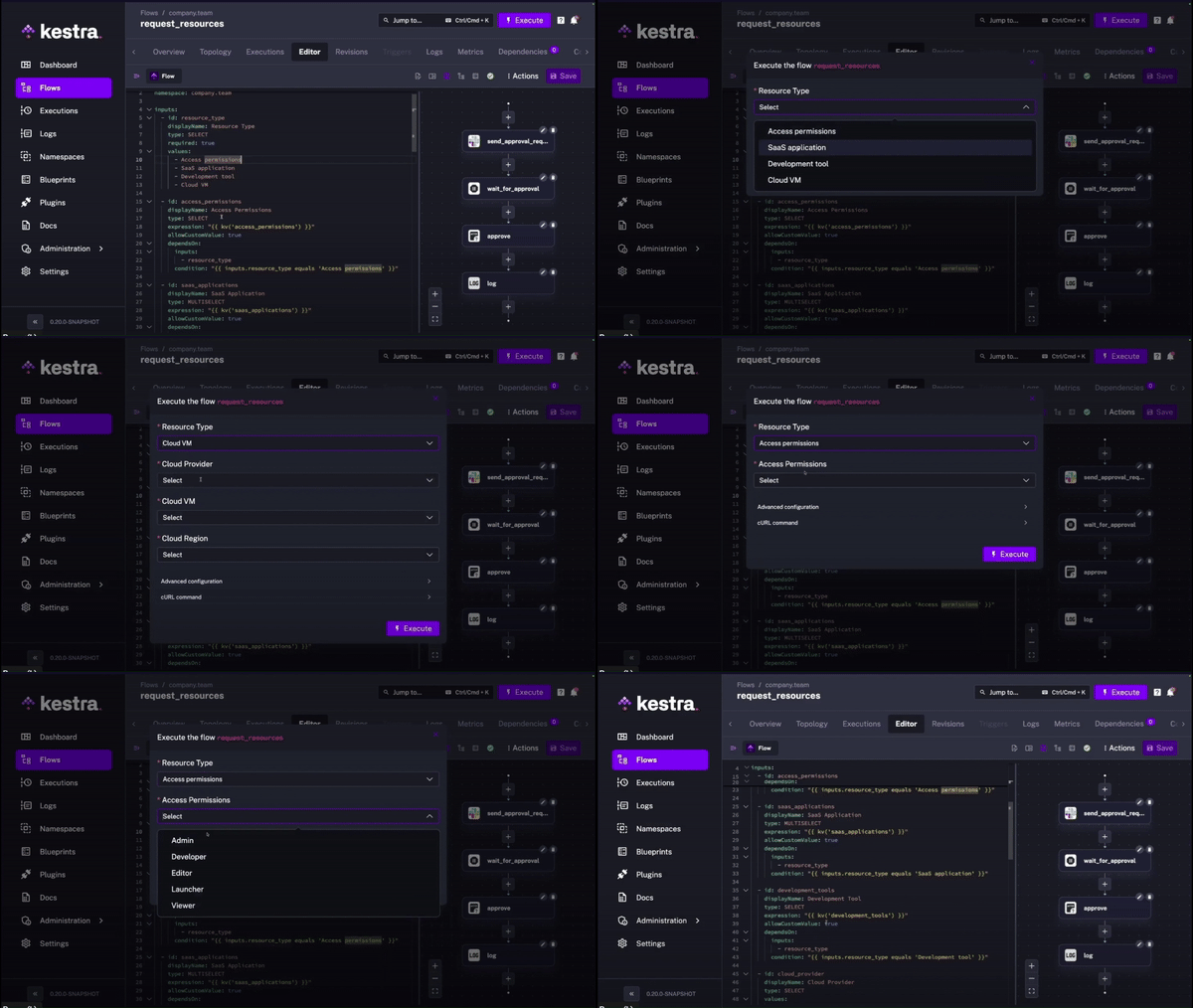
While cloud orchestration is an obvious use case, dynamic inputs can apply to a variety of scenarios. For instance, in access control workflows, different permission levels might need to be displayed based on the user’s role. Similarly, in approval workflows, different fields could appear depending on who is approving the request—a manager might see budget approval options, while a team lead might not.
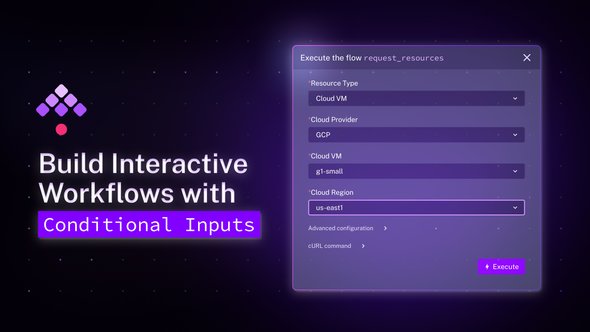
Another practical application is in custom resource requests. When users request a resource type (like a virtual machine or a database), subsequent inputs such as region, instance type, or storage size can dynamically adapt based on the selected resource.
Behind the scenes, Kestra manages conditional inputs using a JSON schema with oneOf. This allows you to define dependencies between inputs, ensuring that only relevant options are shown based on the user’s selections. Here’s a quick look at how that works under the hood:
{ "$schema": "http://json-schema.org/draft-07/schema#", "type": "object", "properties": { "cloud": { "type": "string", "enum": ["AWS", "GCP", "AZURE"] }, "services": { "type": "string", "enum": ["S3", "EC2", "RDS", "GKE", "GCS", "BigQuery", "Azure VM"] } }, "dependencies": { "cloud": { "oneOf": [ { "properties": { "cloud": {"const": "AWS"}, "services": { "type": "string", "enum": ["S3", "EC2", "RDS"] } } }, { "properties": { "cloud": {"const": "GCP"}, "services": { "type": "string", "enum": ["GKE", "GCS", "BigQuery"] } } } ] } }}This schema ensures that inputs are dynamically updated and validated based on what users have selected. By using oneOf, Kestra intelligently adapts to changing input values in real-time, making workflows far more responsive and user-friendly.
Just its dynamic aspect transforms this feature into a must-have, especially in infrastructure-heavy environments where the configuration options depend on each other. Dynamic inputs give you:
Whether you’re provisioning cloud resources, handling complex approval processes, or managing access control systems, conditional inputs in Kestra allow you to create smarter, more responsive workflows.
So next time you’re building a workflow that requires flexibility and adaptability, think about how you can use dynamic inputs to make the process seamless. Give your workflows the intelligence they need to handle complexity in the simplest way possible.
If you have any questions, reach out via Slack or open a GitHub issue. If you like the project, give us a GitHub star and join the community.

Stay up to date with the latest features and changes to Kestra