Authors

Martin Pierre Roset
Martin Pierre Roset
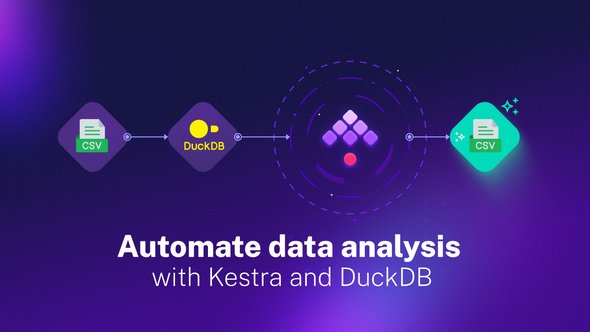
Kestra, in collaboration with DuckDB, offers a highly efficient way to analyze CSV files. In this blog post, we will focus on how these two platforms can be employed to automate data analysis.
Here is a sample Kestra flow code that downloads a CSV file containing tech salary data from 2020 to 2023, uses DuckDB to analyze the data, and saves the findings in a Google Sheets CSV file:
id:  salaries_analysisnamespace:  company.teamdescription:  Analyse  data  salaries.tasks:  -  id:  download_csv    type:  io.kestra.plugin.core.http.Download    description:  Data  Job  salaries  from  2020  to  2023  (source  ai-jobs.net)    uri:  https://gist.githubusercontent.com/Ben8t/f182c57f4f71f350a54c65501d30687e/raw/940654a8ef6010560a44ad4ff1d7b24c708ebad4/salary-data.csv
- id: average_salary_by_position type: io.kestra.plugin.jdbc.duckdb.Query inputFiles: data.csv: "{{ outputs.download_csv.uri }}" sql: | SELECT job_title, ROUND(AVG(salary),2) AS avg_salary FROM read_csv_auto('{{workingDir}}/data.csv', header=True) GROUP BY job_title HAVING COUNT(job_title) > 10 ORDER BY avg_salary DESC; store: true - id: export_result type: io.kestra.plugin.serdes.csv.IonToCsv from: "{{ outputs.average_salary_by_position.uri }}"Creating a flow in Kestra to execute this task becomes a straightforward process. You would set up an initial task to download your CSV file, followed by a DuckDB task. This task would use the DuckDB CLI to read the CSV and run a SQL query on it, processing the data directly in memory and spitting out the results. From here, you could add further tasks as needed: for example, sending the output to a Slack channel, an email, or even another system for further analysis.
- id: average_salary_by_position type: io.kestra.plugin.jdbc.duckdb.Query inputFiles: data.csv: "{{ outputs.download_csv.uri }}" sql: | SELECT job_title, ROUND(AVG(salary),2) AS avg_salary FROM read_csv_auto('{{workingDir}}/data.csv', header=True) GROUP BY job_title HAVING COUNT(job_title) > 10 ORDER BY avg_salary DESC; store: trueThe task, average_salary_by_position, uses the DuckDB Query plugin. DuckDB is an embeddable SQL OLAP database management system that provides powerful analytical capabilities with minimal setup and maintenance. It excels at efficiently processing large volumes of data and is highly compatible with other tools in the data ecosystem, like Apache Arrow, Pandas, and R.
In this task, we supply the downloaded CSV file as input and run a SQL query to calculate the average salary for each job title. We only consider job titles with more than 10 records and sort the results in descending order by average salary.
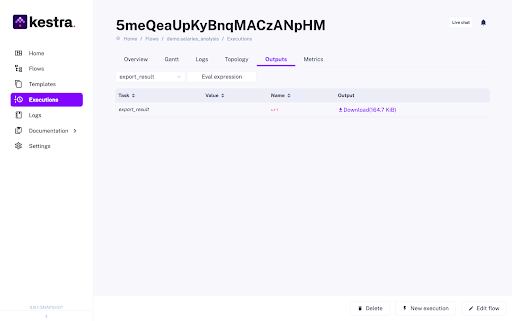
id: export_result type: io.kestra.plugin.serdes.csv.IonToCsv from: "{{ outputs.average_salary_by_position.uri }}"The final task, export_result, uses Kestra’s CsvWriter plugin to convert the result of the DuckDB query, which is stored as an ION file, into a CSV file. ION (short for Interchange Object Notation) is a data serialization format similar to JSON but designed to be more efficient in terms of storage and transmission, and it’s strongly typed, ensuring data integrity. The use of ION allows for compact storage of query results while maintaining the flexibility to easily convert the data into other formats like CSV. In the end, you can download the CSV output directly to your computer for further analysis and sharing.
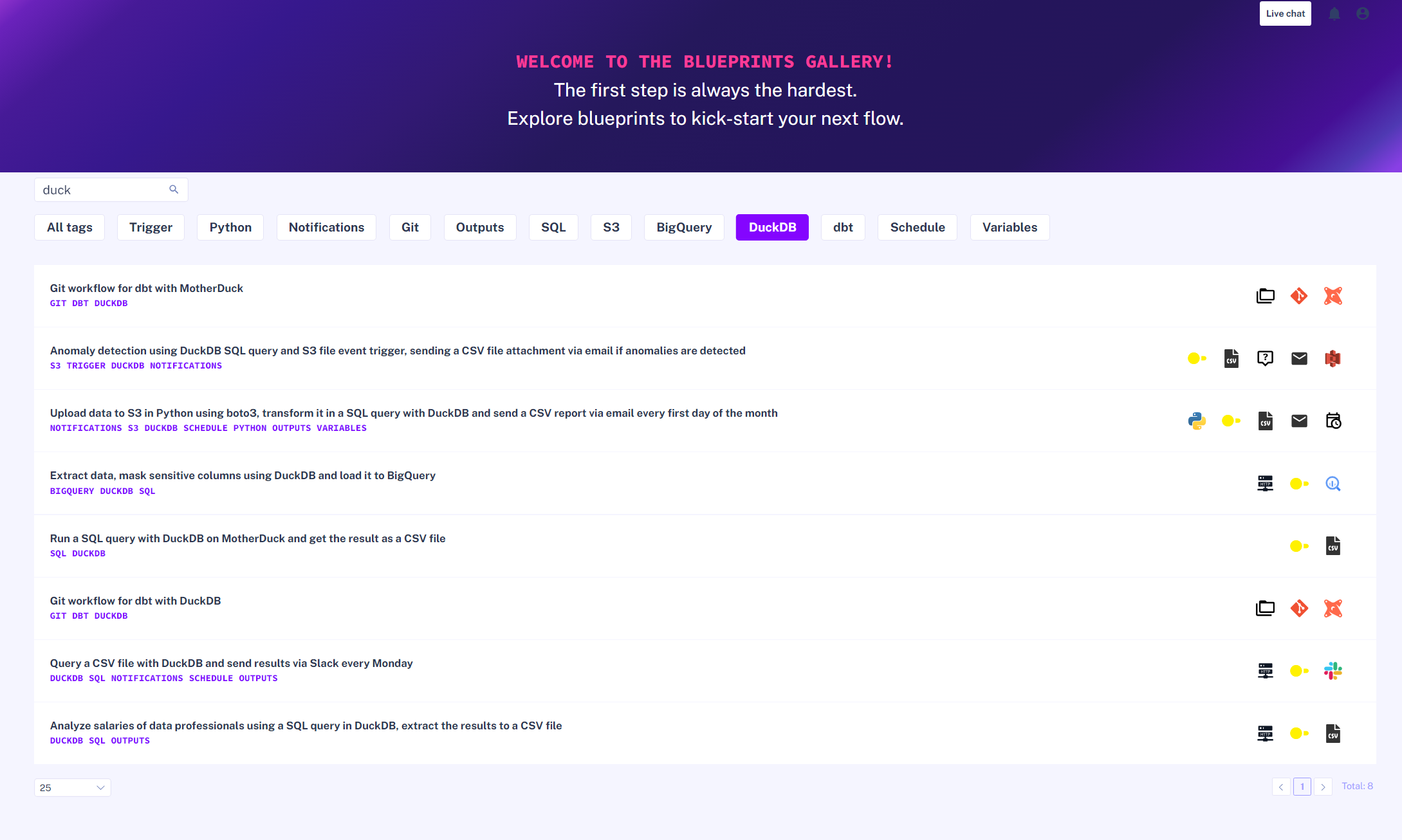
For those who are interested in exploring more about the capabilities and use cases of Kestra and DuckDB, the Blueprints provides valuable resources and pre-built workflows that you can use as a starting point for your own tasks.
If you are particularly interested in learning more about DuckDB and its various applications, you can check out this blog post: DuckDB vs MotherDuck. It provides a comprehensive comparison between DuckDB and its in-memory, shareable version, MotherDuck, and will give you further insights into how to use these tools effectively in your own data workflows.
If you have any questions about what we’ve covered in this post, reach out via our community Slack. Lastly, if you like the project, give us a star on GitHub.

Stay up to date with the latest features and changes to Kestra