Automate Kestra Flow Deployment with Azure DevOps Pipelines
For the complete documentation index, see llms.txt. For a full content snapshot, see llms-full.txt. Append.mdto anykestra.io/docs/*URL for plain Markdown.
How to use Azure DevOps to create a CI/CD pipeline for your Kestra flows.
Automate Kestra deployments with Azure DevOps
Azure DevOps allows you to automate the validation and deployment of your Kestra flows using YAML-based pipelines. Follow the steps below to configure a simple Terraform-based CI/CD setup.
For flows managed through CI/CD, add the system.readOnly label set to "true" so the UI editor is disabled and production configurations stay immutable. This is especially recommended for critical production flows:
yamllabels:
  system.readOnly: true
Connect to your repository
First, connect your pipeline to a code repository such as GitHub, Azure Repos Git, or Bitbucket.
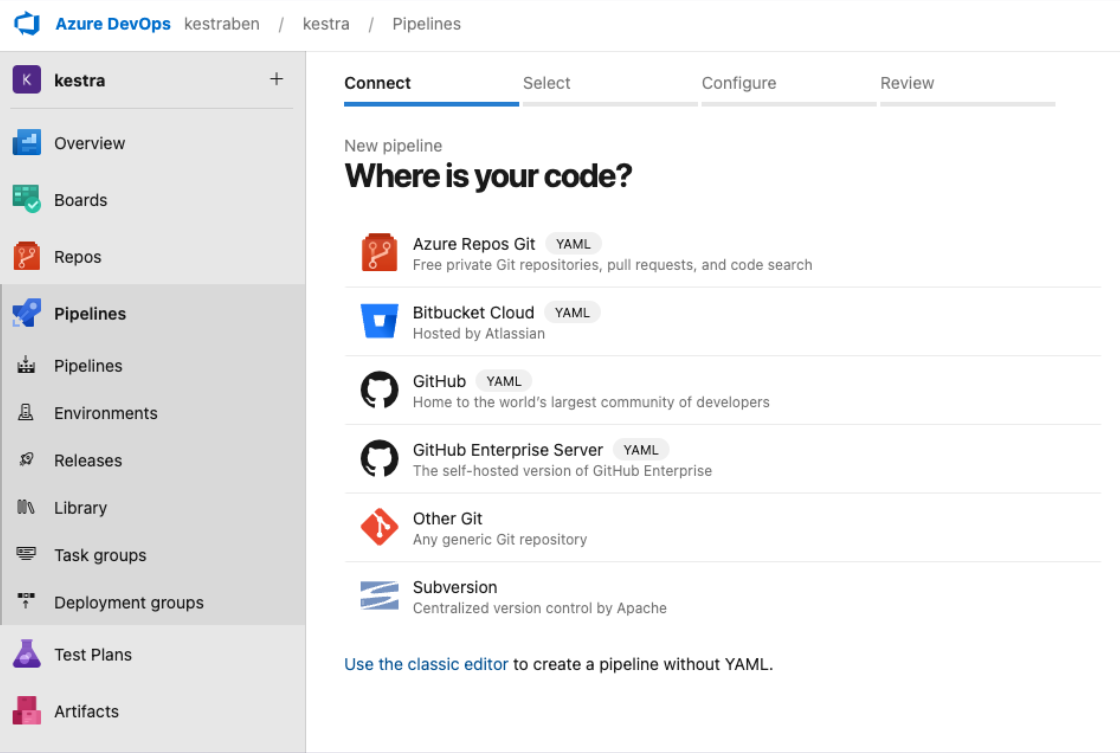
Select your repository
Choose the repository where your Kestra flows are stored.
Configure your pipeline
Start with a minimal pipeline template or an existing configuration.
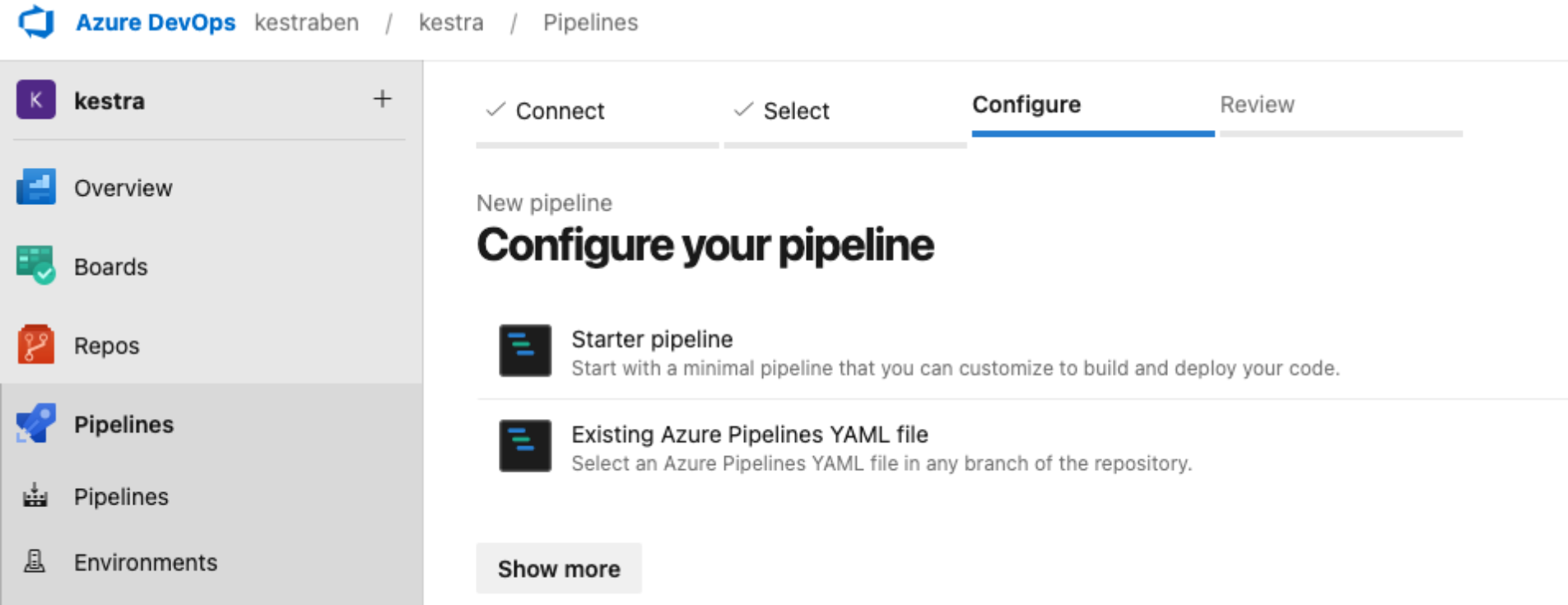
Example pipeline
Below is a complete example of a Terraform pipeline that validates and deploys Kestra resources.
yamltrigger:
  branches:
    include:
      - main

pool:
  name: test-pool

stages:
  - stage: tfvalidate
    jobs:
      - job: deploy
        continueOnError: false
        steps:
          - task: TerraformInstaller@1
            inputs:
              terraformVersion: 'latest'

          - task: TerraformTaskV4@4
            inputs:
              provider: 'aws'
              command: 'init'
              backendServiceAWS: 'aws_s3'
              backendAWSBucketName: 'eu-north-1'
              backendAWSKey: 'kestra-tf'

          - task: TerraformTaskV4@4
            inputs:
              provider: 'aws'
              command: 'validate'

          - task: TerraformTaskV4@4
            inputs:
              provider: 'aws'
              command: 'apply'
              environmentServiceNameAWS: 'aws_s3'
How it works
- The pipeline runs automatically whenever the
mainbranch is updated (for example, after merging a pull request). - The pool defines the agent that runs your pipeline. For setup details, refer to the Azure DevOps documentation.
- The Terraform extension manages installation, validation, and deployment of Terraform resources.
To install the Terraform extension, navigate to Organization Settings → Extensions, then browse the Marketplace to install it.
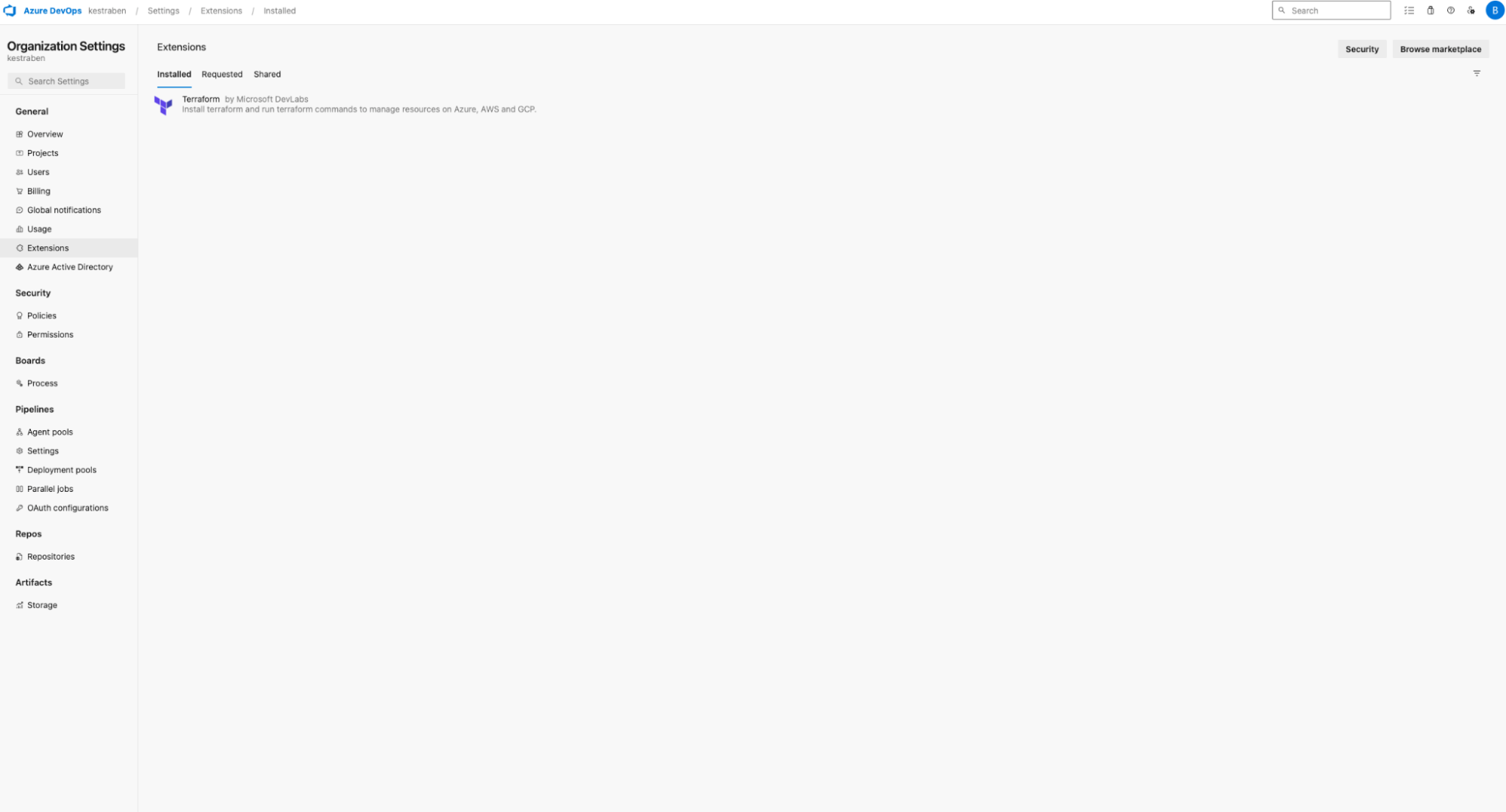
Task breakdown
This pipeline includes one installation step and three Terraform tasks:
- Install Terraform — The
TerraformInstaller@1task installs Terraform at runtime. - Initialize Terraform — The first
TerraformTaskV4@4runs theinitcommand. In this example, the backend uses an AWS S3 bucket, but you can use Azure RM, AWS, or GCP. - Validate configuration — The second task runs the
validatecommand to ensure the configuration is correct. - Apply changes — The final task executes the
applycommand to deploy your Terraform-managed resources.
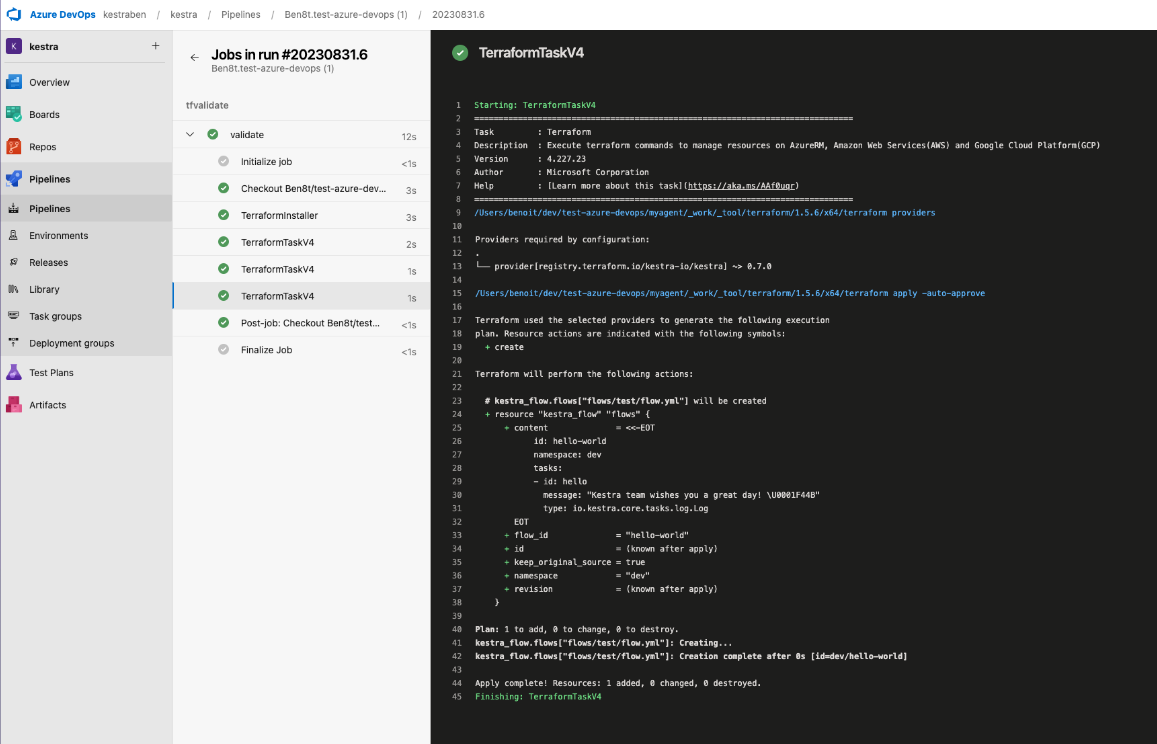
For more details, refer to the Kestra Terraform provider documentation.